Start with the files you actually look for
The best filing system is one you can use when you are in a hurry. Before moving anything, think of three files you recently struggled to find. Were you unsure which device held them, what they were called, or which folder they were in? Your answers point to the problem your system needs to solve. You do not need to sort every old file before making new ones easier to find.
Choose one main location for files you actively manage, such as a folder on your computer or in a cloud storage account you already use. If you work across devices, decide where the primary copy should live. Keeping that choice consistent is more useful than scattering similar files among your desktop, downloads folder, email attachments, and several storage services. Leave shared folders and app-managed libraries alone until you understand how those apps use them.
Build a few folders around real activities
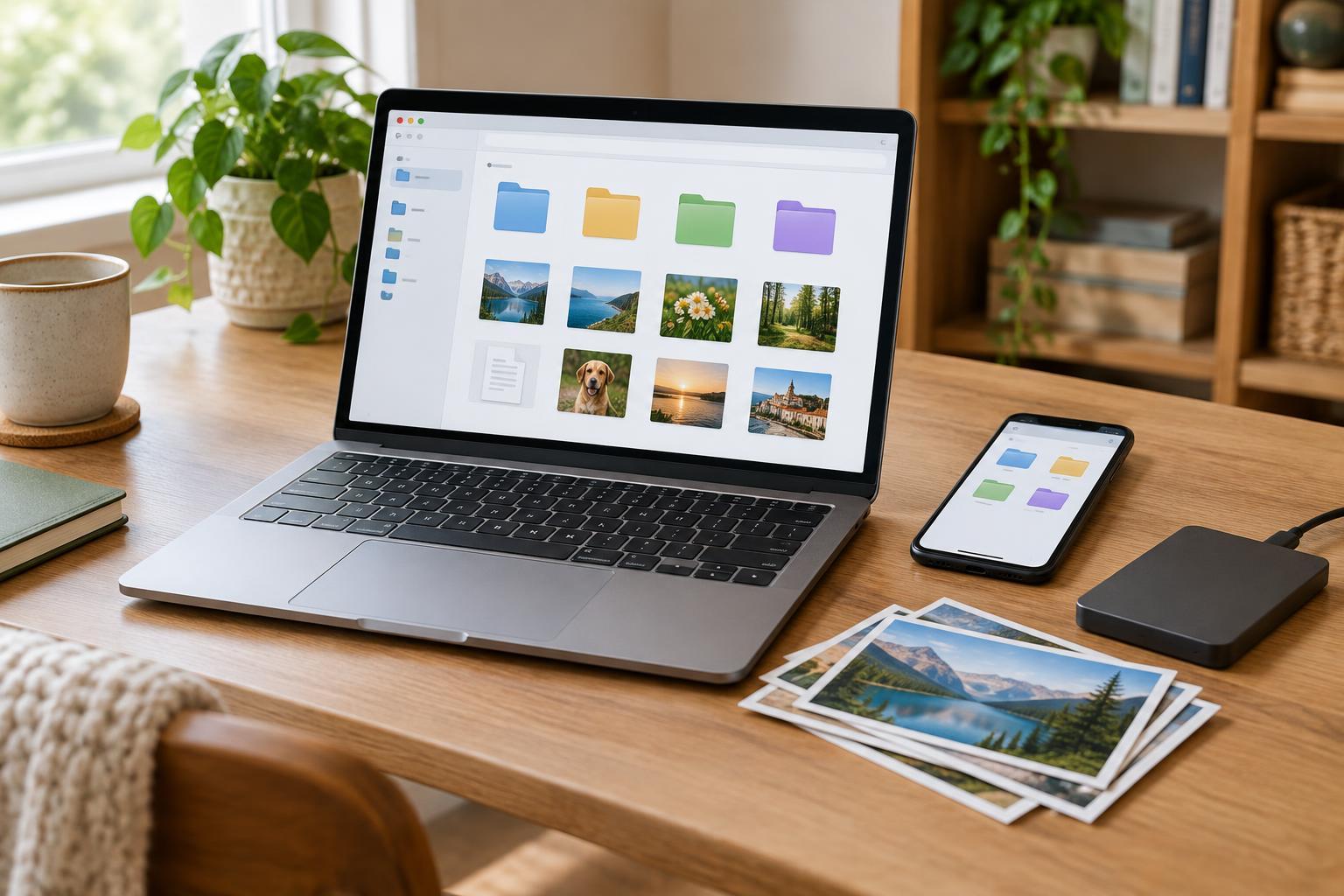
Create a small set of top-level folders based on how you think about your files. For example, Home, Personal, Hobbies, and Work may be enough. Inside them, add a folder only when it makes finding things easier: Home could contain Repairs and Appliances, while Hobbies could contain a folder for each ongoing project. A folder tree with too many levels can turn a simple search into a guessing game.
Give each kind of file a predictable home. A manual for the coffee maker belongs with appliance information; photos for a craft project belong with that project. If a file could fit in two places, pick the location you would check first. You can keep a shortcut to it elsewhere if your device supports shortcuts, rather than making duplicate copies that may later disagree. An Archive folder can hold finished projects you want to keep without mixing them into current work.
Name files for your future self
A useful filename tells you what a file is without requiring you to open it. Replace vague names such as scan001.pdf or final-new.docx with a short description: CoffeeMaker_Manual.pdf or GardenPlan_FrontBed.docx. For files you collect repeatedly, use the same pattern each time. A date written as year-month-day, such as 2025-04-18, sorts neatly by name when the date matters. You do not need to add a date to every file.
Use words you are likely to type into search. A receipt might include the item or shop; a project draft might include the project name and a simple version label. Keep names reasonably short, and avoid putting sensitive details in filenames if files may be synced or shared. When changing a filename, leave the extension after the dot intact so your device can still recognize the file type. For multiple versions, labels such as v1, v2, and Approved are clearer than a chain of files called final, final2, and final-really.
Make downloads and search work for you
The downloads folder is useful as an arrival point, but it becomes hard to browse when everything stays there. Set aside a few minutes each week to move files you want to keep, delete files you no longer need, and leave uncertain items for another pass. You can start with the newest downloads rather than tackling years of clutter. When saving a new file, choose its folder and name right away if it will matter later.
Your device’s search tool is part of the system, not a sign that your folders have failed. Test it with a word from a filename, then try filtering by file type or date if your device offers those options. If a file is missing, check Downloads, the desktop, recent files, and the storage account you used when creating it. Search results can also reveal naming patterns that are not helping you; adjust those patterns before adding more folders.
Protect the system and keep it light
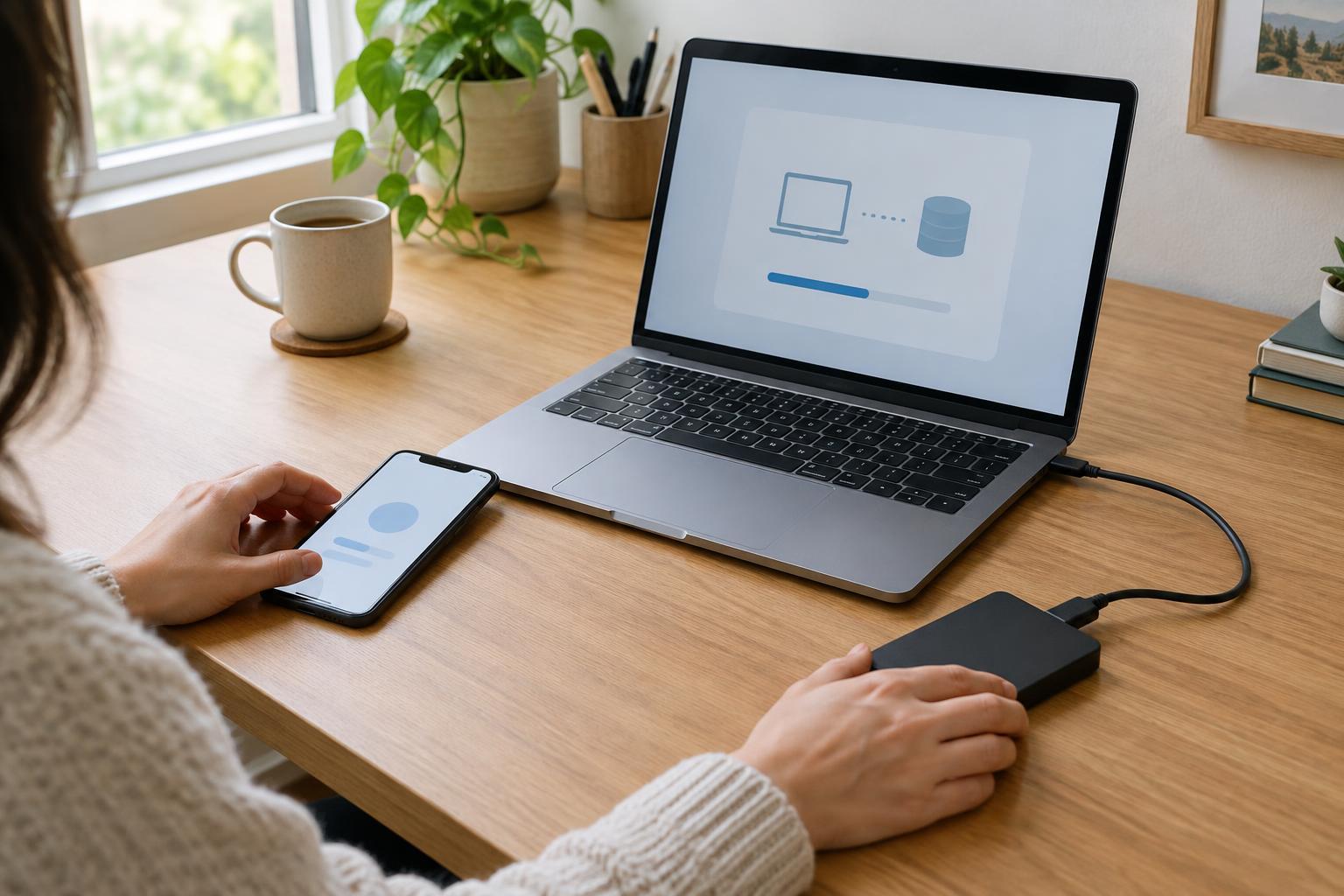
Organization makes files easier to locate, but it does not protect them from an accidental deletion or a failed device. Keep a separate backup of important files and check occasionally that you can open a file from it. Cloud syncing can make files available across devices, but it may also sync unwanted changes or deletions, so learn what recovery options your setup provides. Use care when sharing folders, especially those containing personal documents.
Aim for a system you can maintain in small sessions. Once a month, review your active project folders, move completed work to Archive, and clear obvious leftovers from Downloads. If you regularly hesitate over where a file belongs, simplify the folder structure or rename a confusing category. The goal is not a perfectly tidy drive. It is being able to save a file with confidence and find it again when you need it.