Start with one month and a clear purpose
A useful first budget answers three questions: How much money do you expect to have available this month? What do you plan to do with it? What actually happened? A spreadsheet makes those answers easy to update without requiring a special app or a complex template. Start with one month rather than trying to predict an entire year.
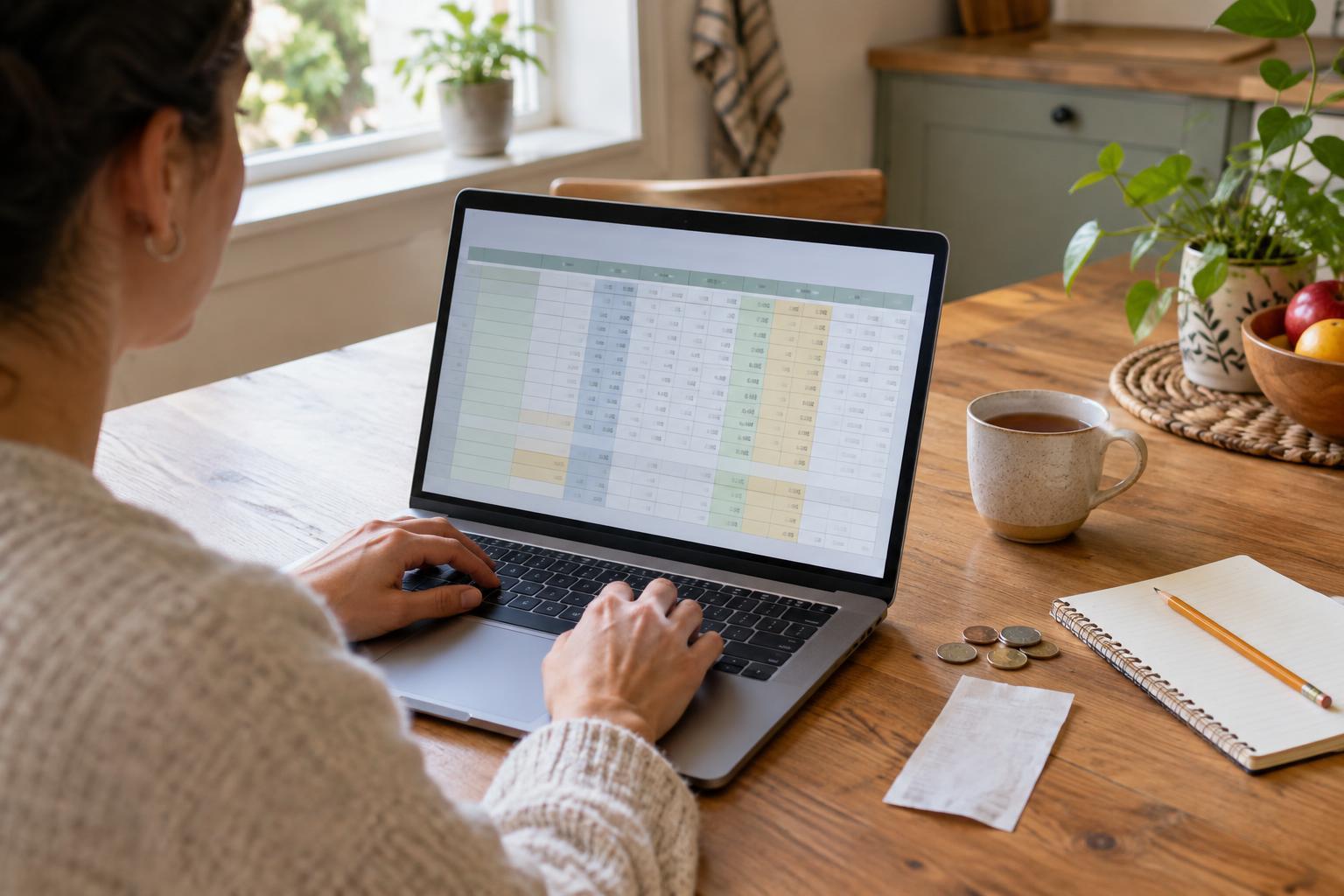
Open a blank spreadsheet and name the sheet for the month you are planning. In row 1, label four columns: Category in A, Planned in B, Actual in C, and Difference in D. The planned column is your starting estimate. The actual column is where you record amounts as the month unfolds. The difference column helps you spot categories worth a closer look.
Choose categories you can maintain
Put Income in row 2. Use the amount you expect to receive after any deductions rather than a larger figure that will not reach your account. If your income changes from month to month, you can start with a cautious estimate and revise it when you know more. If several people contribute to the household, enter their combined amount in this simple version.
Use rows 3 through 8 for Housing, Utilities, Groceries, Transport, Other spending, and Savings. These are examples, not required categories: rename them to fit your household. Keep the list short enough that you will actually use it. A broad Other spending category is fine at first, but if it regularly hides a large amount, split it into categories such as subscriptions or household supplies.
Treat Savings as money you plan to set aside, not as a bill. Enter an actual amount there when you move it aside; avoid also recording that same transfer as spending in another row. Likewise, try to put each purchase in only one category. Consistency matters more than finding a perfect label for every item.
Add three formulas that do the work
Label row 9 Total allocated and row 10 Unallocated balance. In cell B9, enter =SUM(B3:B8). This adds the planned amounts for your expenses and savings. In C9, enter =SUM(C3:C8) to add the actual amounts. Next, enter =B2-B9 in B10 and =C2-C9 in C10. A positive unallocated balance means some income has not been assigned to those categories; a negative one means the amounts entered exceed the income entered.
To compare spending with your plan, enter =C3-B3 in D3, then copy that formula down through D8. For an expense, a positive result means you recorded more than planned, while a negative result means less. For Savings, a positive result instead means you set aside more than planned. You can leave the difference cells for Income and the total rows blank to keep the sheet easy to read.
Type a few sample numbers into the planned column and check whether the totals behave as expected. If a total looks wrong, inspect the cell range in its formula and confirm that amounts are entered as numbers, not as text with extra words. Format the money columns as currency if your spreadsheet offers that option.
Make the plan realistic enough to use
Begin with amounts you know, such as regular housing costs, then estimate categories that vary. Recent receipts or your own account records can help you make a starting estimate, but you do not need to reconstruct every past purchase before beginning. If the planned unallocated balance is negative, revisit the entries rather than treating the spreadsheet as a prediction that will somehow fix itself.
Some costs arrive less often than monthly. You might add a category for a regular amount you intend to set aside for them. To keep the figures meaningful, record the actual amount when you set it aside, and avoid counting it again as a monthly allocation when you eventually pay the bill. If that feels too complicated for your first sheet, make a note about the upcoming cost and refine the budget later.
Review, adjust, and keep it private
Choose a routine you can sustain, such as entering purchases once a week. At the end of the month, look for patterns rather than treating every difference as a mistake. A higher grocery total may call for a better estimate next month; an unusually low utility payment may not represent a lasting change. Copy the sheet for the next month, carry over the useful categories, and update the planned amounts.
Your budget does not need account numbers, passwords, or detailed purchase descriptions to be useful. If you store the file online or share it with someone in your household, check who can open or edit it. The best budget spreadsheet is not the most elaborate one: it is the one you understand well enough to maintain and revise.