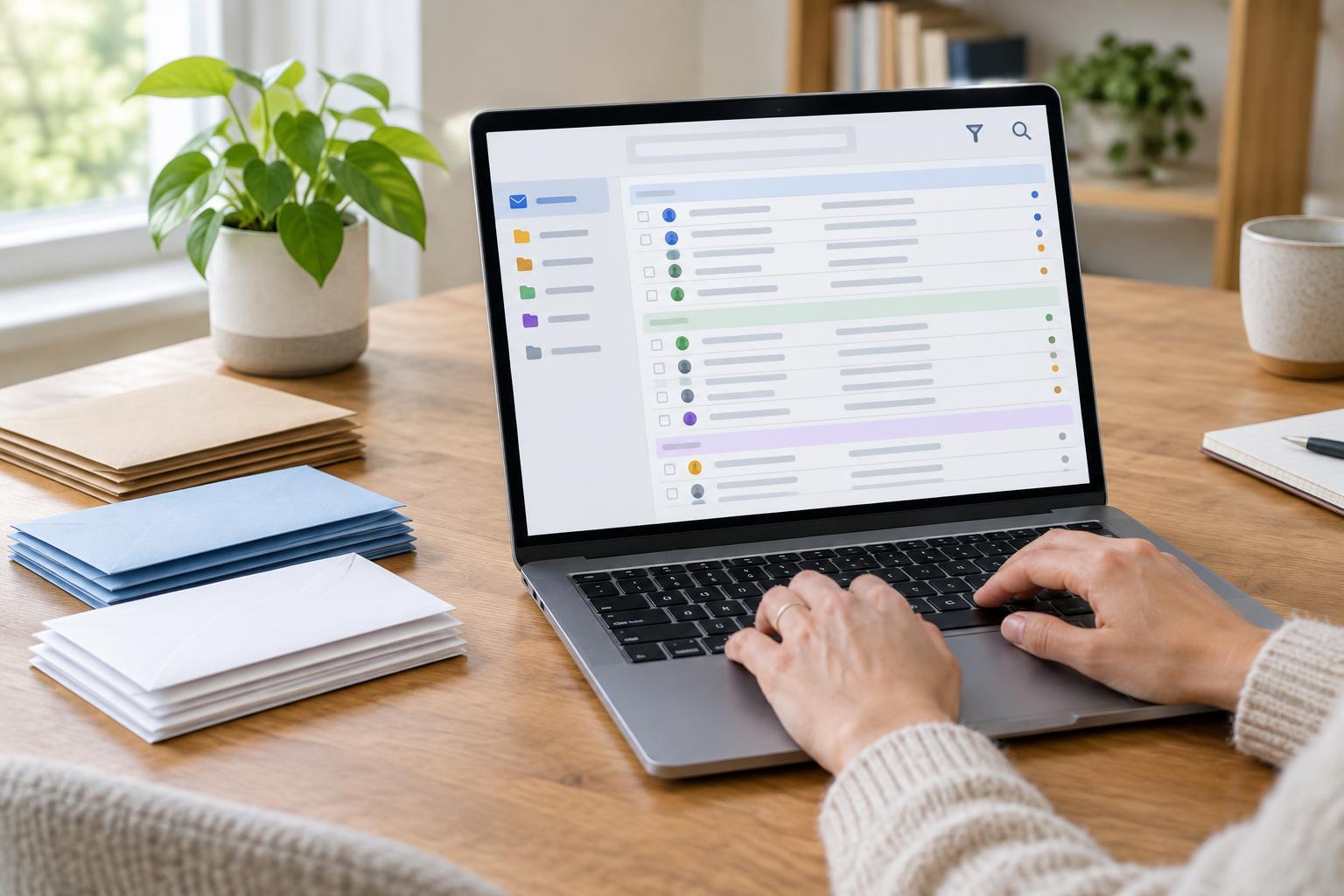
Start with the job each message needs
An inbox can become a mix of conversations, receipts, reminders and newsletters. Before creating folders or rules, decide what your inbox means to you. One useful approach is to leave messages there only while they need a decision or action. After you reply, complete the task or save the information elsewhere, you can archive or file the message. This gives the inbox a clear purpose rather than making it a permanent storage shelf.
Archiving and deleting are different choices. Archiving removes a message from the inbox while generally keeping it available through search. Deleting moves it toward removal, although the timing and recovery options depend on your email service. If you might need a receipt or confirmation later, archive or file it rather than deleting it. If a message has no lasting value, deleting it can reduce clutter.
Build a small folder system
Begin with just a few categories you can recognize at a glance, such as Receipts, Travel, Home and Reference. Some email services call these folders; others use labels, which may let one message appear in more than one category. Either way, the goal is to make useful messages easier to retrieve. You do not need a folder for every shop, project or person.
Choose names based on how you would look for a message later. For example, a folder called Home may be more useful than separate folders for every appliance and repair. If you rarely open a folder or struggle to decide where a message belongs, your system may be too detailed. It is fine to rely on search for messages that do not fit an obvious category.
You can also keep a temporary Action folder for messages that need follow-up but should not sit in the inbox. Check it regularly so it does not become a second, less visible inbox. If your email app has flags, stars or reminders, those may serve the same purpose with less filing.
Let filters handle predictable mail
A filter is a rule that acts on incoming messages when they match conditions you choose. Depending on your email service, a filter might apply a label, move a message to a folder, mark it as read or send it to the trash. Filters work best for mail you can identify reliably, such as a recurring newsletter from a consistent sender. They are less suitable for messages that may need a personal response.
Create one rule at a time and keep its conditions narrow. For a newsletter, you might filter by the sender’s full address rather than a broad word in the subject line. Review the messages the rule catches before telling it to bypass your inbox or delete anything. Senders and subject lines can change, and a rule that looks convenient today may hide something important later.
Check your filtered folders occasionally. If a message lands in the wrong place, adjust or remove the rule. For unwanted mail, use your provider’s spam or unsubscribe options when appropriate rather than building a maze of personal filters. Do not follow an unsubscribe link in a message that appears suspicious; marking it as spam is a safer way to handle it.
Search with clues, then narrow the results
Search is often faster than remembering where you filed something. Start with the detail you know best: a sender’s name, a distinctive phrase, a product name or part of an order number. If the results are crowded, add another clue. Searching for a person’s name and the word “invoice,” for example, is usually more useful than searching for “invoice” alone.
Many email services offer search tools for narrowing results by sender, date range, attachment or folder. Some also support typed search operators, but the exact words and punctuation vary between services. If an operator does not work, use the search options shown in your app instead of assuming the message is missing. Check archived mail, spam and trash if an expected message does not appear where you first looked.
For important messages, save a detail you are likely to remember later, such as the sender or a clear subject line when you start a conversation. Avoid putting sensitive information into a subject line merely to make it searchable; subjects may be visible in notifications and message lists.
Keep the routine light
A manageable inbox does not require processing every message the moment it arrives. Set aside a short, regular time to reply, archive, file or delete. When you notice the same kind of message repeatedly taking up attention, ask whether a folder, filter or unsubscribe action would help. Make that one change, then see whether it improves your routine.
The best system is one you can maintain. A few clear folders, cautious filters and a habit of searching with specific clues will usually be more useful than an elaborate setup you forget how to use.