Decide what each open tab is for
A browser tab is best treated as a temporary workspace, not a filing cabinet. It keeps a page close while you compare products, follow instructions or finish a task. Once that task is over, the tab no longer needs to stay open. Closing it does not mean the page has to disappear from your life; it means choosing a better place for anything worth keeping.
Start by looking at your open tabs and asking one question of each: “What will I do with this?” A page you need for the next hour can remain open. A recipe you want to try next week belongs on a reading list or in a bookmark. A page you opened out of curiosity but no longer want to read can simply be closed. If you cannot name a likely next step, saving it may only postpone the decision.
Choose the right way to save a page
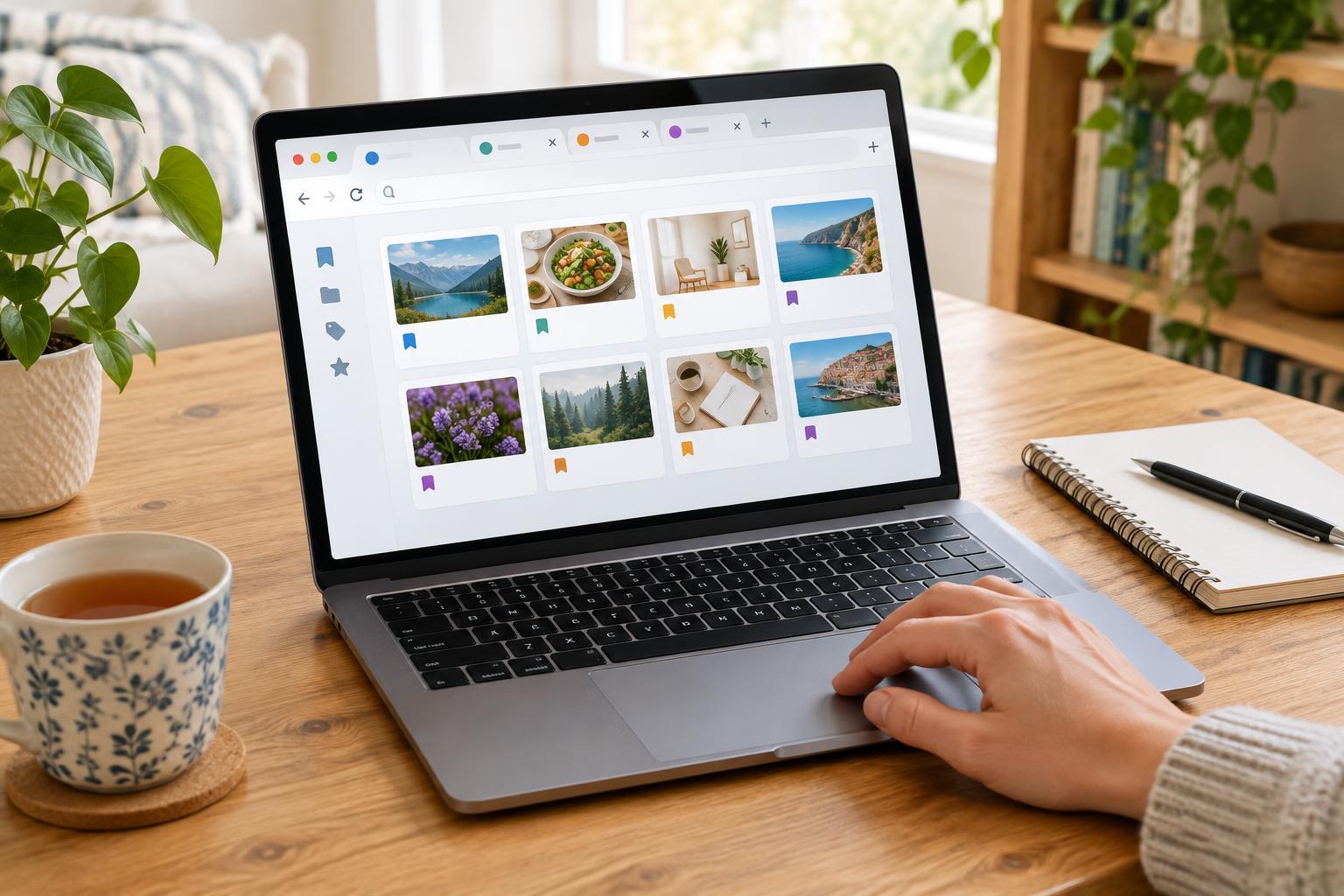
Use bookmarks for pages you expect to revisit repeatedly: a community timetable, a reference guide or a service you use regularly. Give each bookmark a clear name that will make sense later. “Library hours” is more helpful than a page title that begins with the name of a website and cuts off the useful detail. Keep folders broad at first, such as Home, Hobbies and Trips. Too many narrow folders can make saving easy but finding difficult.
A reading list, if your browser offers one, is better for articles you intend to read once. It separates “read soon” from “keep for reference.” Some reading-list features can make pages available offline, but availability varies by browser and page, so check before relying on one during a journey. If your browser has no reading list, a single “To read” bookmark folder works well. Review it occasionally and remove items you have finished or no longer care about.
For a project involving several pages, consider a short note instead of saving every tab. Write down the project name, the next action and links to only the most useful pages. A note such as “Choose shelf brackets: measure wall space, then compare these two options” preserves your thinking as well as the pages. It also gives you a clear starting point when you return.
Make saved pages easy to find
Before building an elaborate bookmark system, try searching what you already have. Most browsers let you search bookmarks by words in their names or web addresses. A few descriptive words in a bookmark name may therefore do more for you than a deep folder structure. When you save a page, name it for the task you will use it for, not just the subject it covers.
Keep a small set of frequently used bookmarks near the top level of your browser’s bookmark menu or on its bookmarks bar, if you use one. Move occasional reference pages into broad folders. If you find several bookmarks that serve the same purpose, keep the clearest or most useful one and delete the rest. This light maintenance is usually easier than reorganizing everything at once.
Remember that a saved link is a pointer, not a permanent copy. Pages can change, move or disappear. If you need a particular piece of information for your own records, write the essential detail in your note rather than depending entirely on the link. Be thoughtful about saving pages that contain personal information, especially on a shared device.
Clear tabs without losing your place
Set aside a few minutes when you are not in the middle of a task. Work through tabs in small batches rather than trying to sort a large collection perfectly. Keep the page open if you are actively using it, save it if it has a clear future purpose, or close it. If a tab represents an unfinished task, put that task on your usual to-do list; an open tab is easy to overlook as a reminder.
If you often work across several devices, check whether your browser syncs bookmarks and reading lists through an account, and whether you want that feature enabled. Sync can make saved pages convenient to access elsewhere, but it may not behave the same way for every browser or device. Test it with one unimportant bookmark before assuming your whole collection is available.
You do not need to reach zero tabs or create a perfect library. The useful habit is to give each page a destination before it becomes part of a crowded browser window. When your tabs show what you are doing now, and your saved pages have clear names and purposes, it becomes much easier to pause a project and pick it up again.