What happens when you scan a QR code?
A QR code is a square pattern that stores information a device can read. Most codes you encounter in daily life contain a web address. Others may hold plain text, contact details or information for joining a Wi-Fi network. Scanning a code does not tell you who created it or whether its contents are trustworthy; it simply lets your phone read what is stored there.
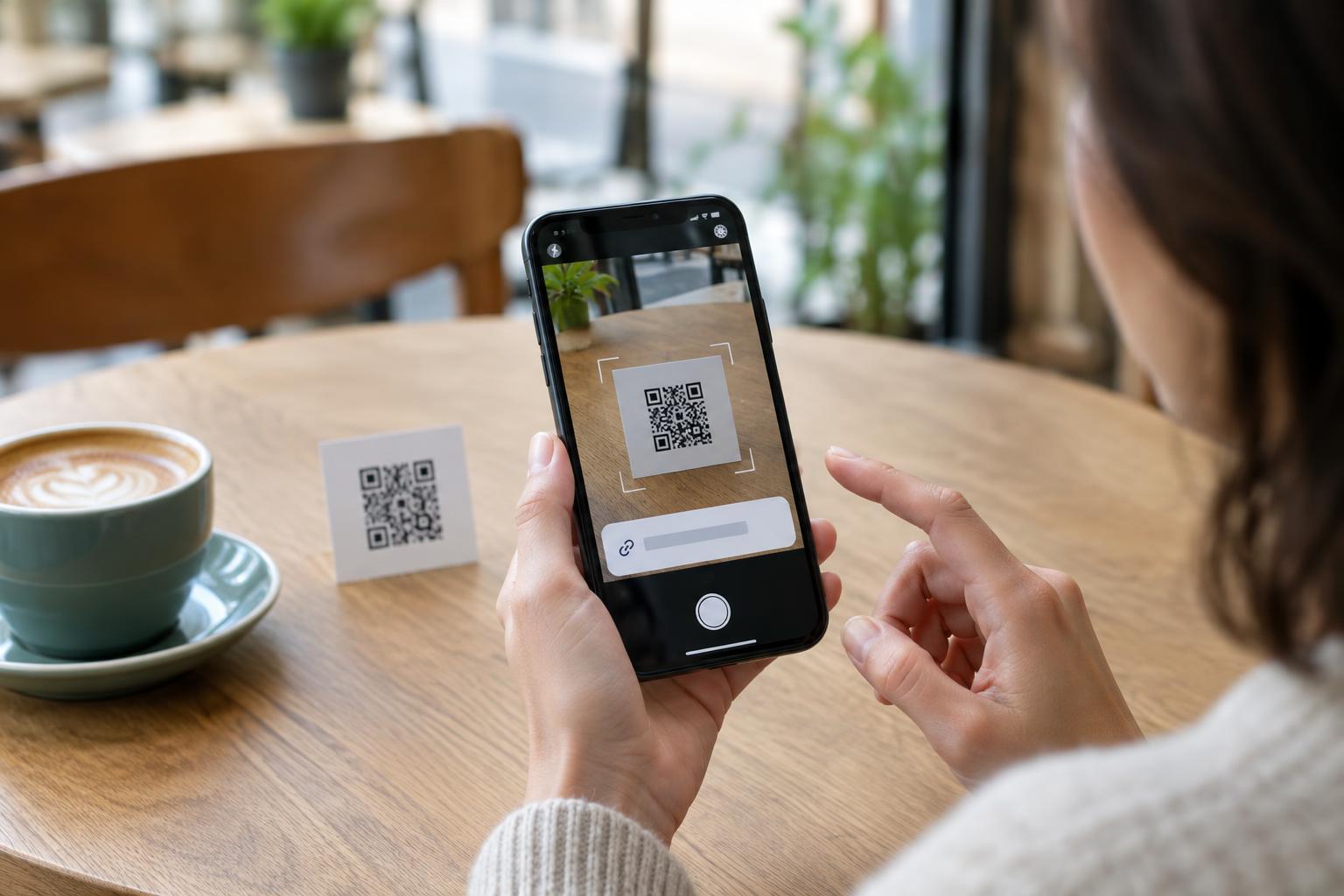
On many phones, you can point the built-in camera at a QR code and tap the prompt that appears. Some phones also have a scanner in their quick settings. The steps vary by device, but the useful pause is the same: look at what your phone proposes to open before you tap through. If a code does not scan, try better lighting, a steadier hand or a little more distance rather than installing an unfamiliar scanner app.
Check the destination before you open it
A printed QR code hides its destination from anyone looking at the paper. Your phone may show a preview of the web address after scanning. Read it carefully, especially the main domain name. A familiar name tucked into a longer, unrelated address is not enough: for example, a page can mention a business in its path while belonging to a different website. Misspellings and extra words in the domain are also reasons to stop and check.
A shortened link, an unfamiliar domain or a preview too small to read is not automatically dangerous, but it gives you less information. If the code is supposed to take you to a restaurant menu, public service or shop, you can search for the organization yourself or type an address you already trust. A web address beginning with “https” indicates an encrypted connection; it does not, by itself, prove that the site or the request is legitimate.
Pay attention to where the code appears
Context matters as much as the pattern. A code on a menu, poster, package or parking sign may be convenient, but printed codes can sometimes be covered by replacement stickers. If a label looks pasted over another code, the sign seems out of place or the instructions pressure you to act immediately, use another way to reach the service. For a payment, check the details at the venue or through the provider’s app rather than relying on the code alone.
Treat codes in unexpected emails, texts and social messages with the same caution you would give an unexpected link. The image format does not make a message safer. A request to confirm an account, pay a surprise fee or enter a one-time sign-in code deserves independent verification. Open the relevant app or website yourself, or contact the organization using details you found separately—not details supplied in the message.
Be selective about what you enter or allow
Opening a page and giving it information are separate decisions. Before entering a password, payment card number or personal details, make sure you intended to reach that service and that the address matches the one you expect. If the page asks you to download an app or file to view something simple, pause. Most ordinary menus and information pages should not require a new app, though legitimate services may have their own requirements.
A QR code may also offer to connect your phone to Wi-Fi, add a contact or start another action. Read the phone’s confirmation screen instead of approving it automatically. Keep your phone and browser updated, and use the device’s normal app store if you decide you need an app. No single preview or security feature catches every misleading code, so your own check of the context remains useful.
If you already followed a suspicious code
If you only opened a page and did not enter information or approve a download, close it and avoid interacting further. If you entered a password, change it through the service’s official app or a website you reach independently. If you reused that password elsewhere, change it on those accounts too. Review your account’s sign-in activity and enable an additional sign-in check if the service offers one.
If you entered payment details or sent money, contact your payment provider using its official app or the number on your card and explain what happened. If you installed something you did not intend to install, remove it and review the permissions you granted. The simplest habit for next time is to treat a QR code as a quick way to receive a link, not as proof that the link is safe.